Reconcile Meta, GA4, and Order Data When the Numbers Disagree
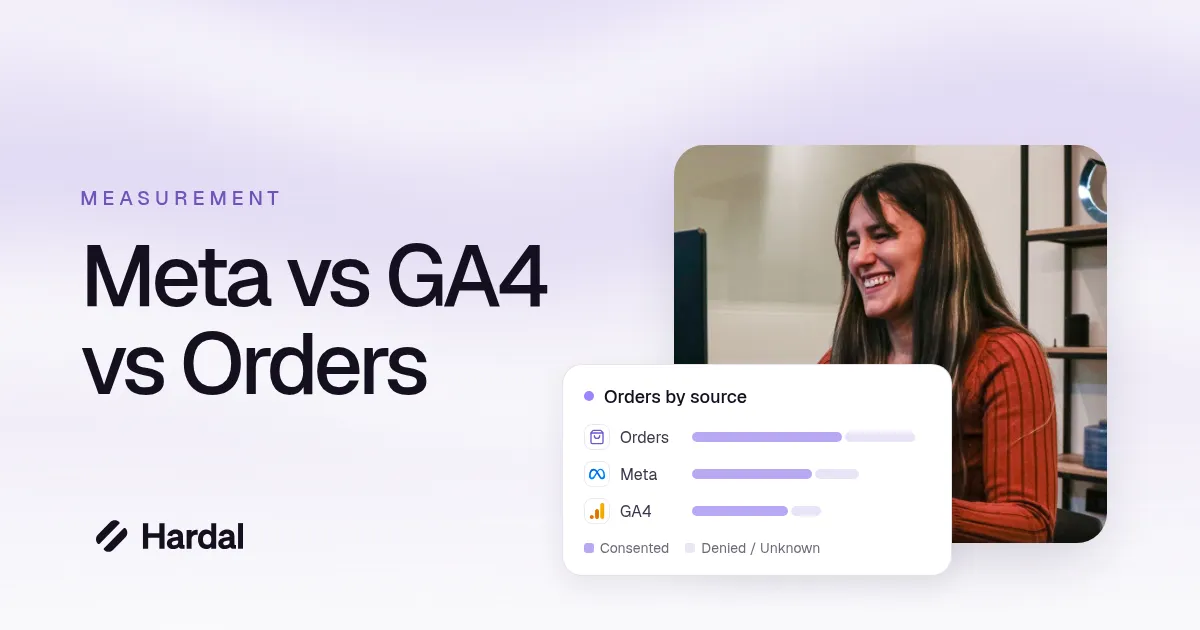
Explain the gap between orders, Meta, and GA4: separate definitions, consent, and missing events, then measure the consent gap with Revenue by Consent.
Some difference between platforms is expected. This guide shows how to explain a gap, not how to remove it. Server-side tracking does not recover visitors who declined consent.
Your order system shows one number, Meta shows a lower one, and GA4 shows a third. All three can be correct, because each answers a different question. The work is to separate the differences you can explain from the events that are actually missing.
Why the numbers differ
- Definitions: paid orders, checkout completions, and credited conversions are different metrics.
- Attribution: platforms use different click and view windows and credit models.
- Consent: visitors who decline must not be sent to ad platforms, so their purchases never reach them.
- Coverage: ad blockers, browser limits on cookies and click IDs, and slow pages stop browser events before they fire.
- Timing: time zones, delayed uploads, and refunds shift totals between days.
- Implementation: duplicate tags, failed API calls, and inconsistent order IDs create real errors.
Investigate one gap at a time
- Pick one metric, such as website purchases, and one completed week.
- Write down the definition, time zone, attribution window, and source for each report.
- Leave out cancelled orders, and keep app and phone orders out of a website comparison.
- Compare a sample of order IDs and timestamps against the events each platform received.
- Check rejected API events and duplicate event IDs.
- Record what is explained and what still needs investigation.
Measure the consent gap directly
Hardal's Revenue by Consent chart in the Commerce report splits daily revenue into Consented and Denied / Unknown. The matching Conversions by Consent chart sits in the Acquisition report. A purchase goes into Consented when a visitor ID was recorded with it, and into Denied / Unknown when it was not.
This is a measurement signal, not a legal judgment. Denied / Unknown can mean a declined banner, an expired identifier, or a blocked request. It still shows how much revenue your ad platforms were unlikely to see. Annotate banner changes and campaigns to see whether the mix shifts. The same split is available in the Reports API as consentBreakdown on /v1/reports/commerce.
Close the gaps you are allowed to close
- Send purchases from your server as well as the browser, with a shared event ID so platforms deduplicate them.
- Send permitted customer details so platforms can match the events they receive.
- Collect each event once on your first-party domain and send the same record to GA4, Meta, TikTok, and your warehouse, so remaining differences trace back to a rule or a definition.
What to validate
- orders in your system versus purchase events each platform received, as a percentage
- duplicate and rejected events per destination
- the Denied / Unknown share of revenue over time
- Event Match Quality for the purchase event
Start with the data discrepancy definition, then read Meta received 640. You sold 1,000. Why? and Why two reports show different numbers. For the consent split, see Revenue by Consent. For delivery, see server-side tracking and Meta Event Match Quality.
Book a demo to reconcile your platform numbers with first-party data.