See Which AI Assistant Drives Each Product Sale
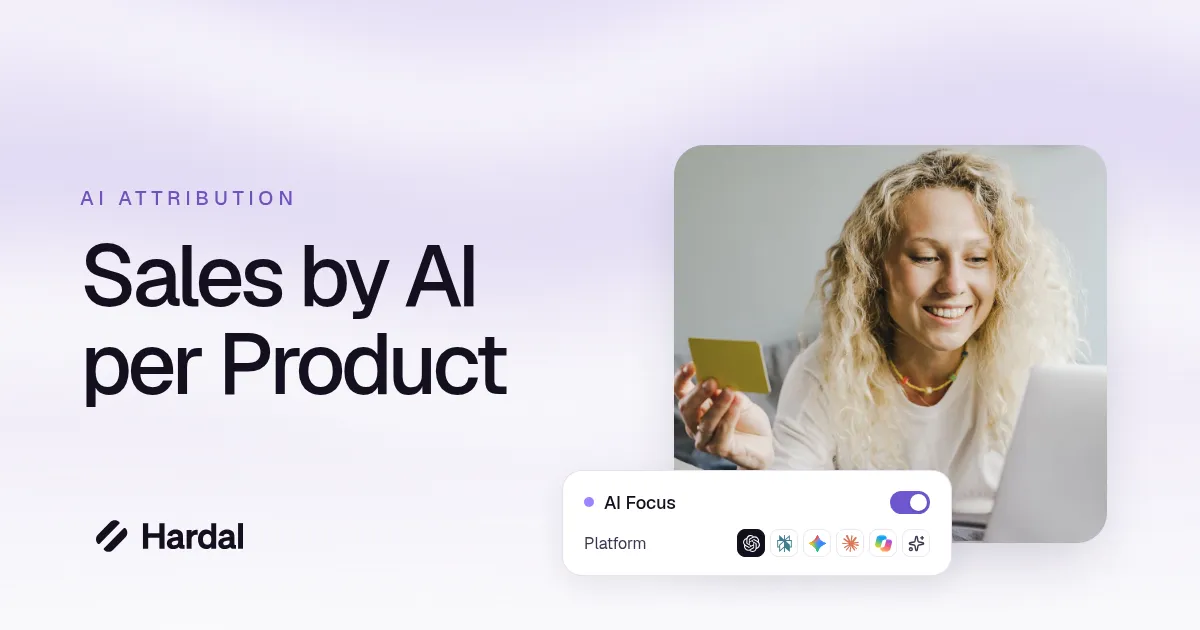
Use AI Focus to see which assistant, ChatGPT, Perplexity, Gemini, Claude, or Copilot, sent the visitors behind each product's views and sales.
AI Focus classifies sessions whose source or medium names a known AI host. Visits that arrive without a referrer or tag stay unclassified rather than being assigned to an assistant.
Knowing that AI assistants send buyers is a start. Knowing which assistant sends the buyers for which product is something a merchandising or content team can act on. Hardal's AI Focus toggle answers that question from your own first-party commerce data.
The question behind the setup
- Which products sell to visitors who came from ChatGPT, and which to visitors from Perplexity?
- Does one assistant send visitors who browse while another sends visitors who buy?
- Is a new assistant appearing in your traffic with meaningful volume?
A channel report that lumps every AI referral together cannot answer these. Item-level attribution with the platform named can.
How it works in the dashboard
- Open Commerce > Items in Hardal.
- Turn on Attribution.
- Enable the AI Focus toggle.
- Expand an item row that has AI traffic.
The expanded rows are limited to AI assistant sessions, and a Platform column appears next to Source: ChatGPT, Perplexity, Gemini, Claude, Copilot, or Other AI. The item list and its totals do not change. The toggle state is kept in the page URL, so a shared link opens the same view.
How sessions are classified
A session counts as AI when its source or medium matches a known AI host, whether the value includes www., is a full URL, or is a subdomain. If the source names no platform but the medium does, the medium is used before falling back to Other AI. Hand-tagged campaigns that name an assistant in the medium are counted correctly.
Views and add-to-cart counts come only from AI sessions when AI Focus is on. A multi-item order counts once per item, and each item credits the session that placed the order. These are the same counting rules as non-AI item attribution.
Query it from the Reports API
Teams that build their own reporting can send "aiFocus": true in the body of POST /v1/reports/commerce/items/details with kind set to attribution. Each returned row then carries a platform field. Create a scoped, read-only key on the Connections page in Hardal. Hardal MCP does not expose AI Focus yet.
What to validate
- item revenue with AI Focus off versus the share that carries an AI platform
- items whose AI traffic is mostly Other AI, which may point to an assistant worth adding to your channel rules
- landing URLs and referrers for a sample of AI sessions, to confirm the markers you receive
- visits with no marker, kept separate instead of being credited to an assistant
Start with the referral markers in ChatGPT and AI assistant referral tracking, then read Hardal MCP and the Reports API. For traffic that loses its referrer, see Why AI referrals look like direct traffic. For crawler access, see Hardal AI Visibility.
Book a demo to see AI Focus on your own commerce data.