This is how you can merge your different tables on Data Hub. This is very useful when you want to turn your data into a single table to make your data more manageable.
What is merged view?
When you combine two or more tables, create a new “shadow” table view. This way, you don’t have to create new tables for large datasets.
How to merge tables?
First, you need at least two tables on data hub. Once you've created table:
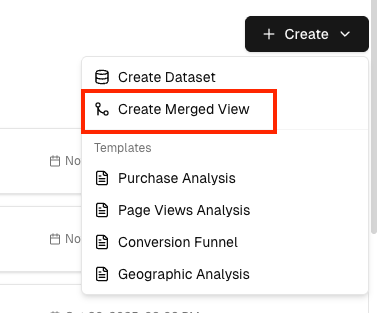
- Navigate to Data Hub, click "Create" and choose "Create Merged View"
Choose your tables that you want:
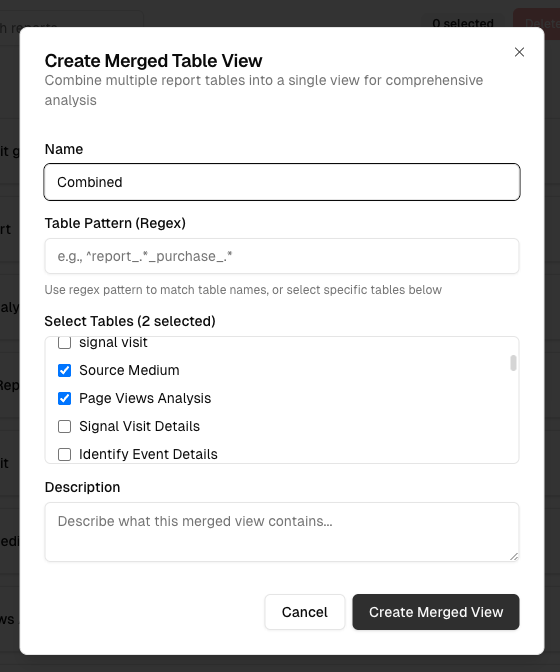
And this process will create a new shadow like merged view. Then you can use same way as you use other tables.