What is a session?
A session groups related website or app events into one visit. It starts when a tool detects activity and ends under that tool's rules. Many analytics tools use an inactivity timeout, often 30 minutes, but the exact settings vary.
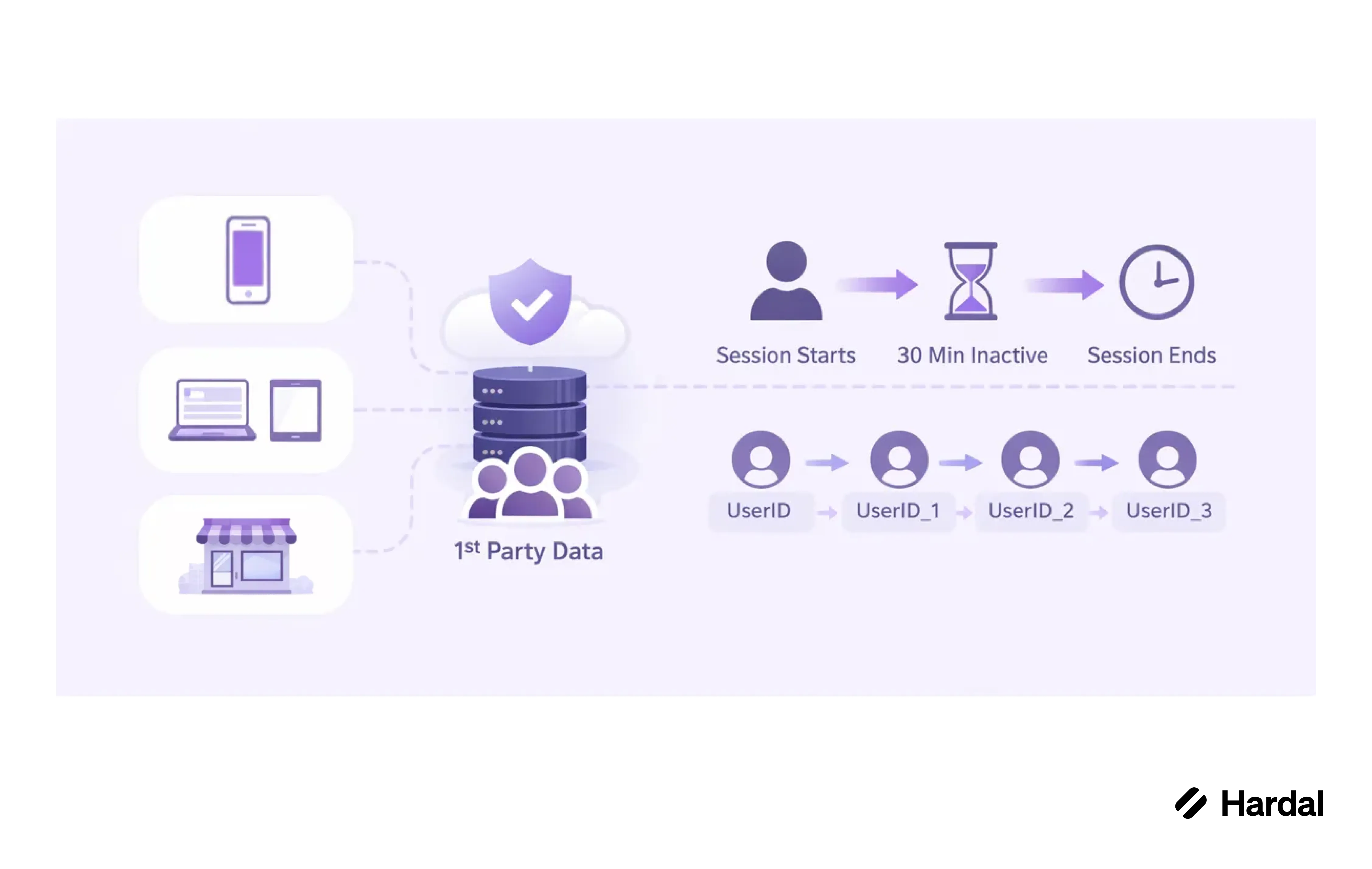
One person can have several sessions in a day. Several page views can belong to one session. A session count is therefore neither a count of people nor a count of page views.
Why do session counts differ?
Tools may use different inactivity periods, time zones, or rules for campaign changes and app foreground activity. They may also see different events because of consent, blocked requests, or late delivery. A backend purchase can arrive after the browser session has ended.
When comparing reports, write down the session start event, timeout, time zone, and identity rule. Check a sample journey event by event before concluding that one tool is wrong.
Sessions help describe visits and conversion paths, but they do not prove which interaction caused a purchase. For that question, combine attribution with suitable experiments.
How Hardal handles it
Hardal groups events into sessions, and you can open any session to see its events. Events and sessions in Hardal walks through the view.
Related terms: Analytics event, Cookieless analytics, Attribution