What is event deduplication?
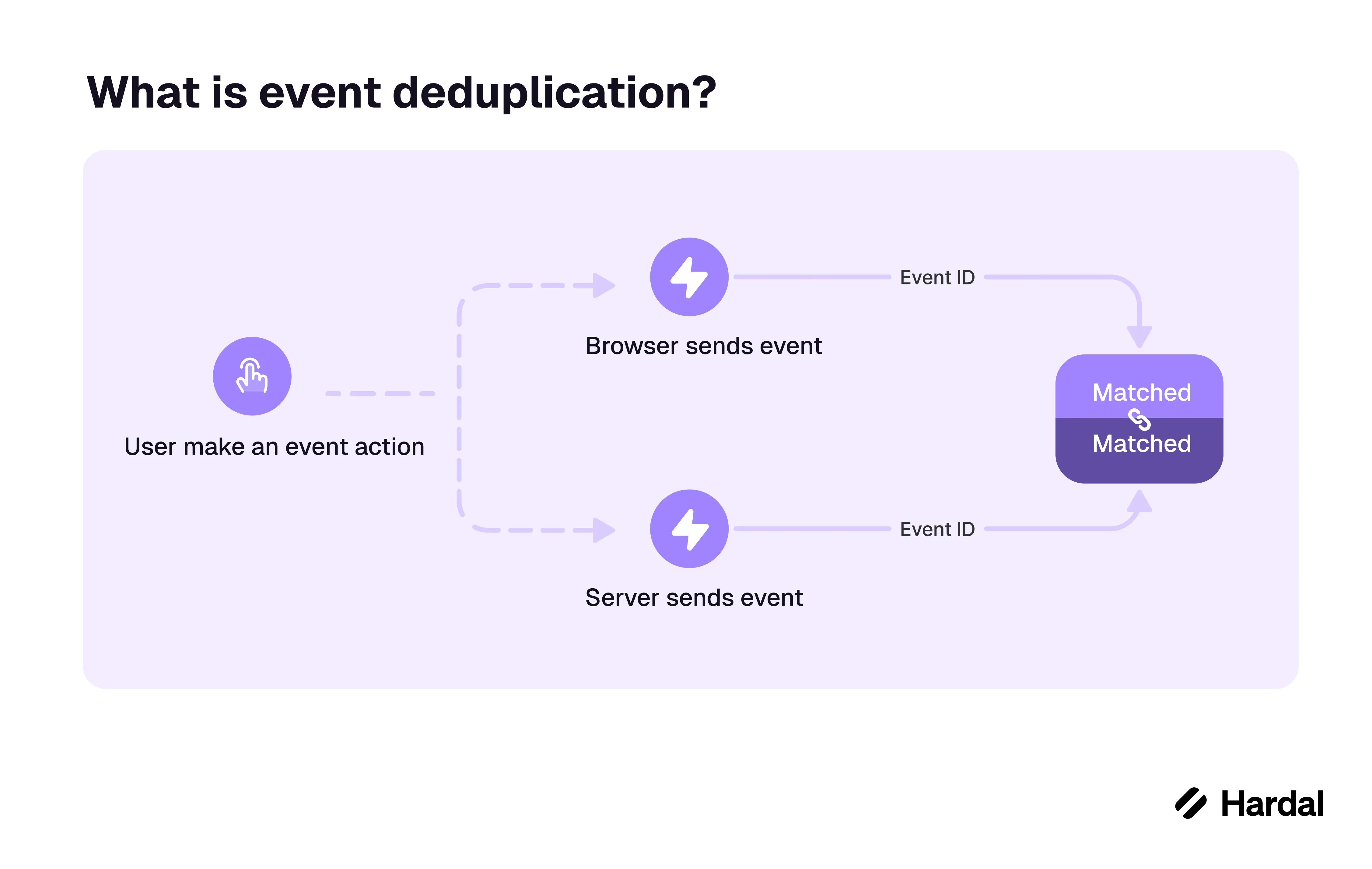
Event deduplication identifies multiple records of the same action and keeps one conversion count. A common case is a purchase reported by both a browser pixel and a server API. Both paths can be useful, but the destination needs to know that they describe the same order.
How do you identify the same event?
Generate one event ID for the action and send it with each copy. Keep the event name and key details consistent. A stable order ID can help for purchases, though each destination may have its own rules for event IDs, time windows, and deduplication.
For example, a Purchase event with ID order-123 can travel from the browser and the order service. If both reach the same ad platform, it can recognize the pair. A later purchase from the same person needs a new ID, and a refund should be recorded as its own event.
What should you test?
Check the platform's diagnostics for deduplicated events. Compare the number of unique paid order IDs in the source system with accepted purchase events. Test retries and page reloads, which can create duplicate browser sends. Also verify that a missing browser event does not stop the server event from being counted.
Deduplication prevents overcounting. It does not repair missing events or establish the right to share data with a destination.
How Hardal handles it
Hardal sends the browser and server copies of an action with a shared event ID, so each destination can pair them and count one conversion. The Meta Conversions API Gateway setup guide walks through Pixel and CAPI deduplication step by step.
Related terms: Data discrepancy, Server-to-server, Analytics event, Server-side measurement