What is Meta Conversions API Gateway?
The Conversions API simplifies the connection between your website, app, or CRM and Meta. It handles different types of marketing data, like website and app events. This data is crucial for personalizing and optimizing ads across Meta platforms, making sure your ads reach people who are likely to find them relevant. You can get more details here.
Why you should use your own Meta Conversions API Gateway?
- You’re already using the Meta Pixel.
- You’re not sending web events using the Conversions API yet.
- You spend more than $2,000 per month on campaigns that optimize towards web events.
How to Set up Meta Conversions API Gateway (CAPI)?
You can use CAPI gateway using your own structure like AWS or GCP. You can also use Hardal to build your own CAPI gateway, just a few clicks.
Also, Hardal is running a daily algorithm to optimize our committed Cloud Run, AWS Kubernetes, and other instances dynamically for each request. This way, we can update and deploy each instance to serve a low-cost server-side measurement environment without any in-house development or cloud configuration.
Create your Hardal account
- Go to Hardal and create your account if you have not already.
Create your project
To creating CAPI Gateway, you have to create a project first.
- Go to your Hardal project dashboard, here.
- Create you project by clicking Create a new project
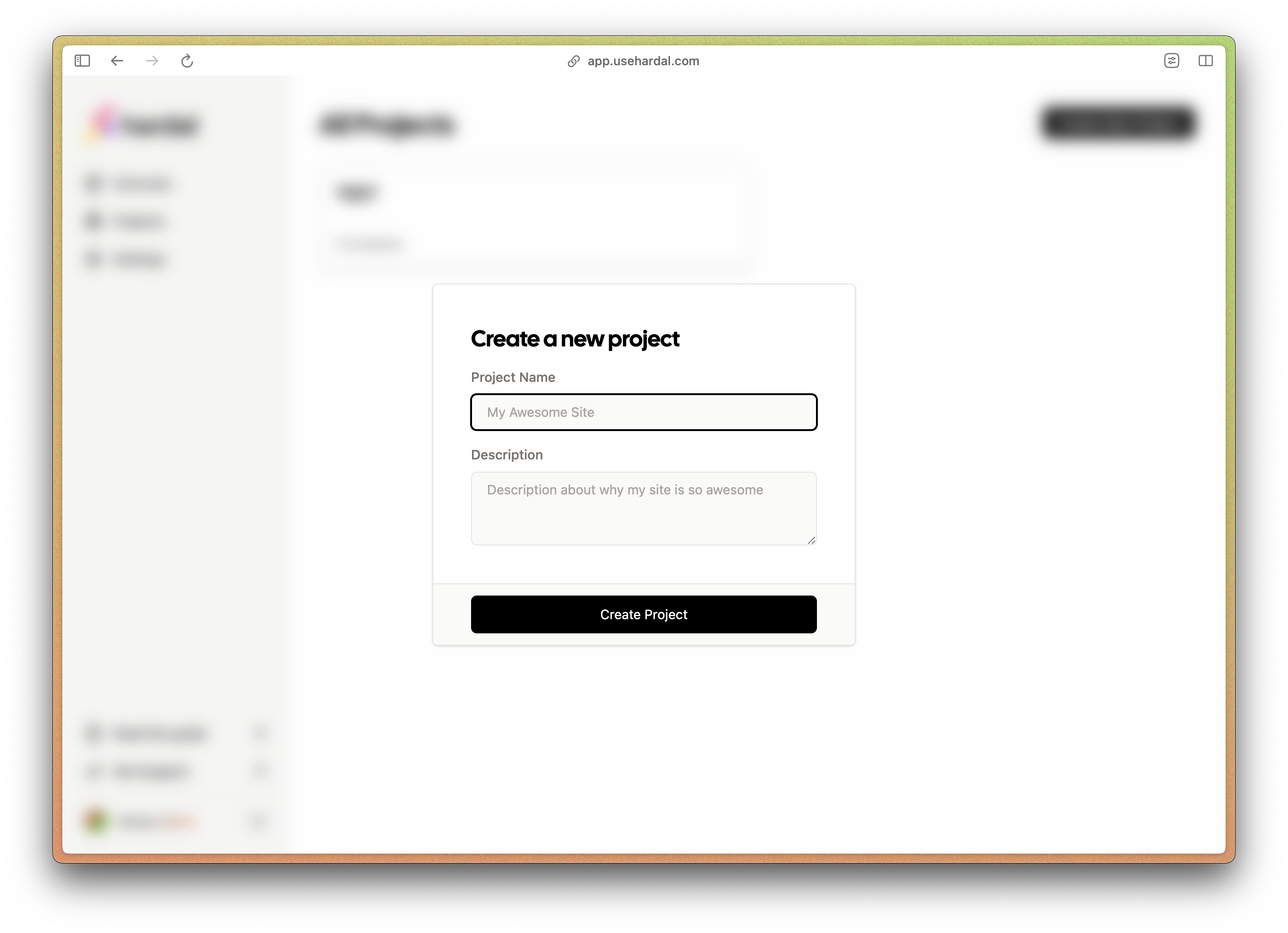
Create your container with Meta Conversion API:
Containers are well-designed according to your server-side measurement platform in Hardal. To create a new container:
- Click on Create a new container.
- Choose Meta Conversions API Gateway.
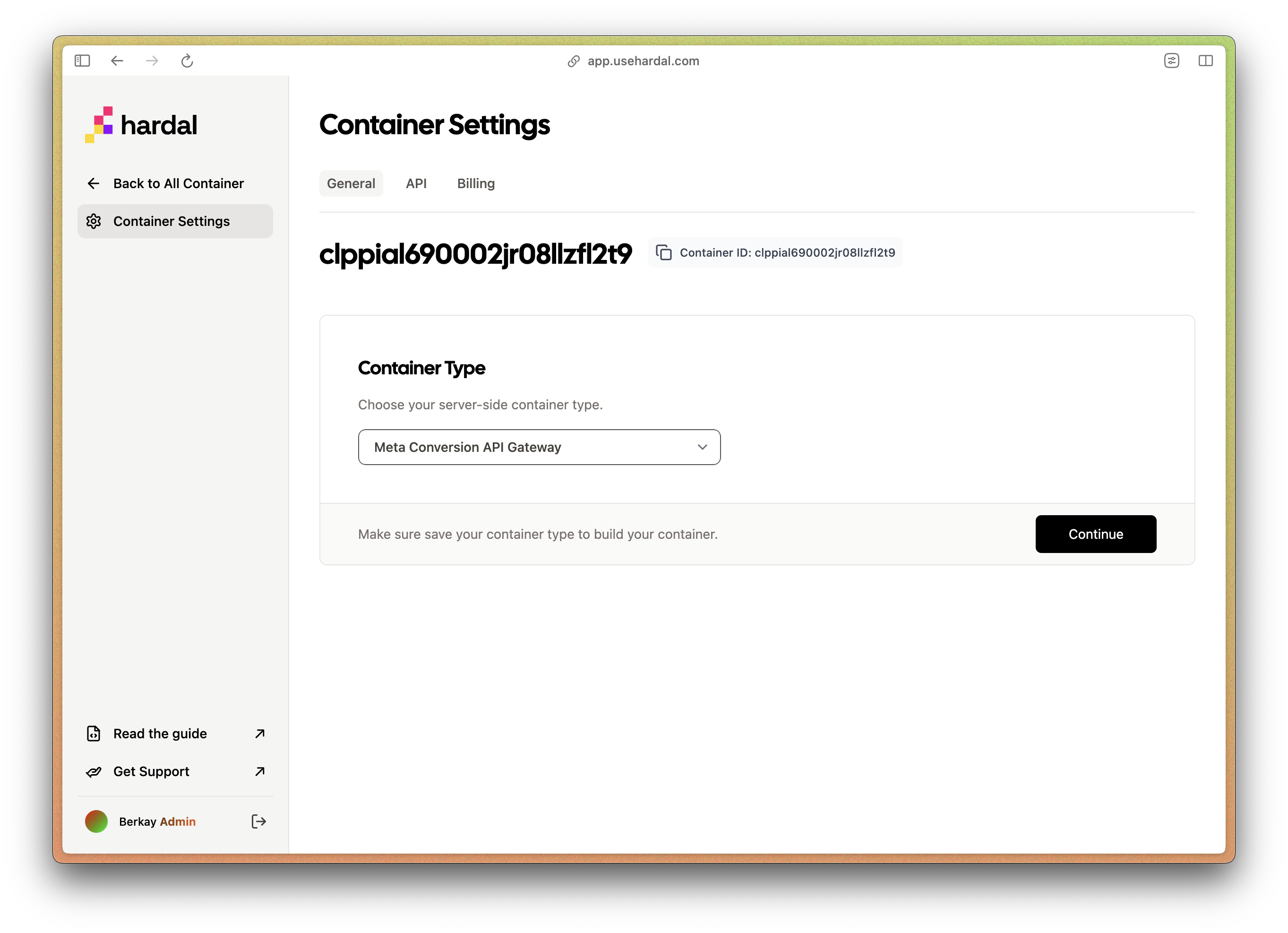
Then you can start to create your container for Meta Converisons API Gateway.
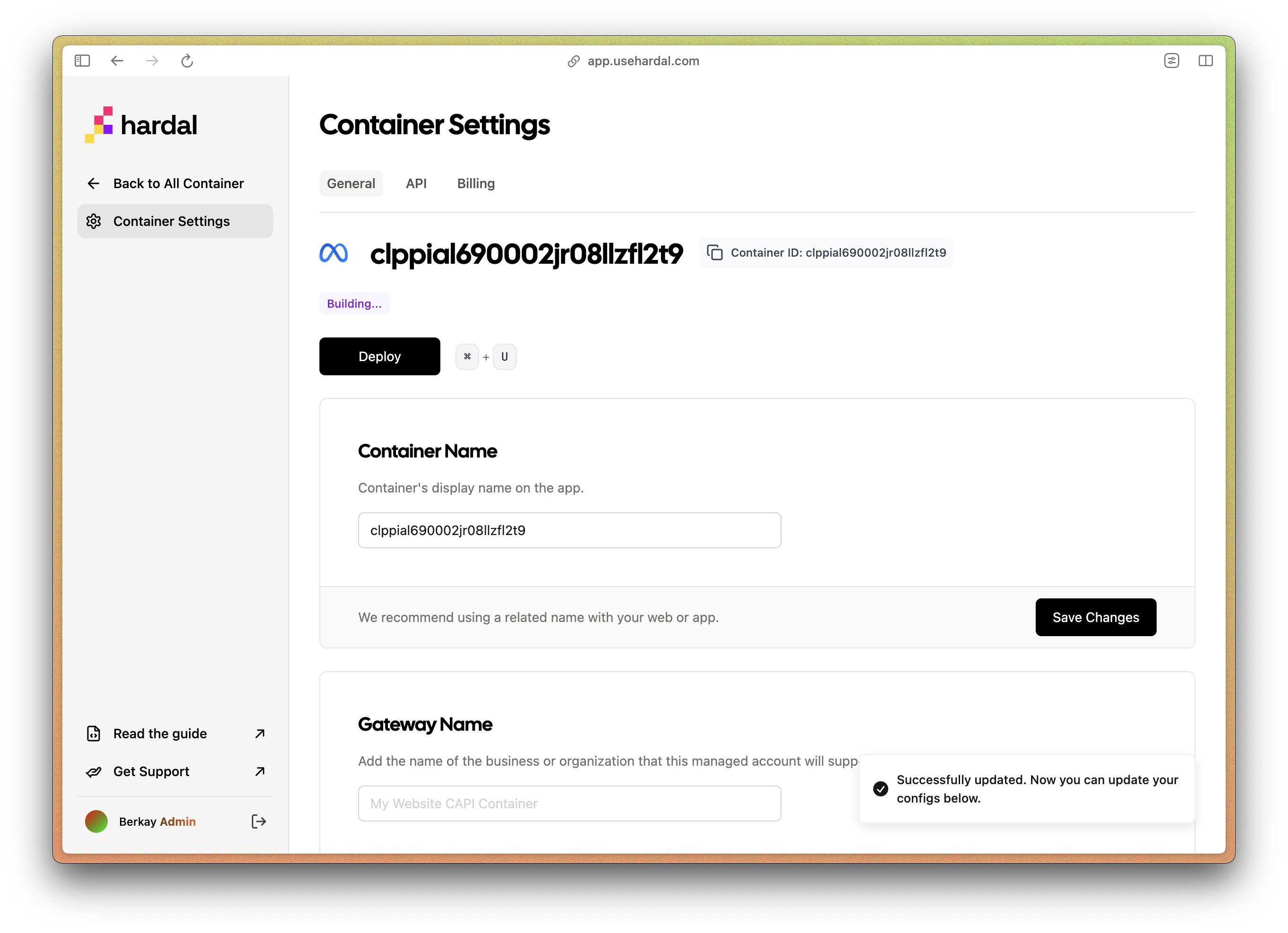
- Fill in the other requirements.
- Container Name: This is your container name in Hardal app.
- Gateway Name: This is yor Gatway Name in your CAPI gateway.
We recommend using a name that corresponds with a related Meta Business Account.
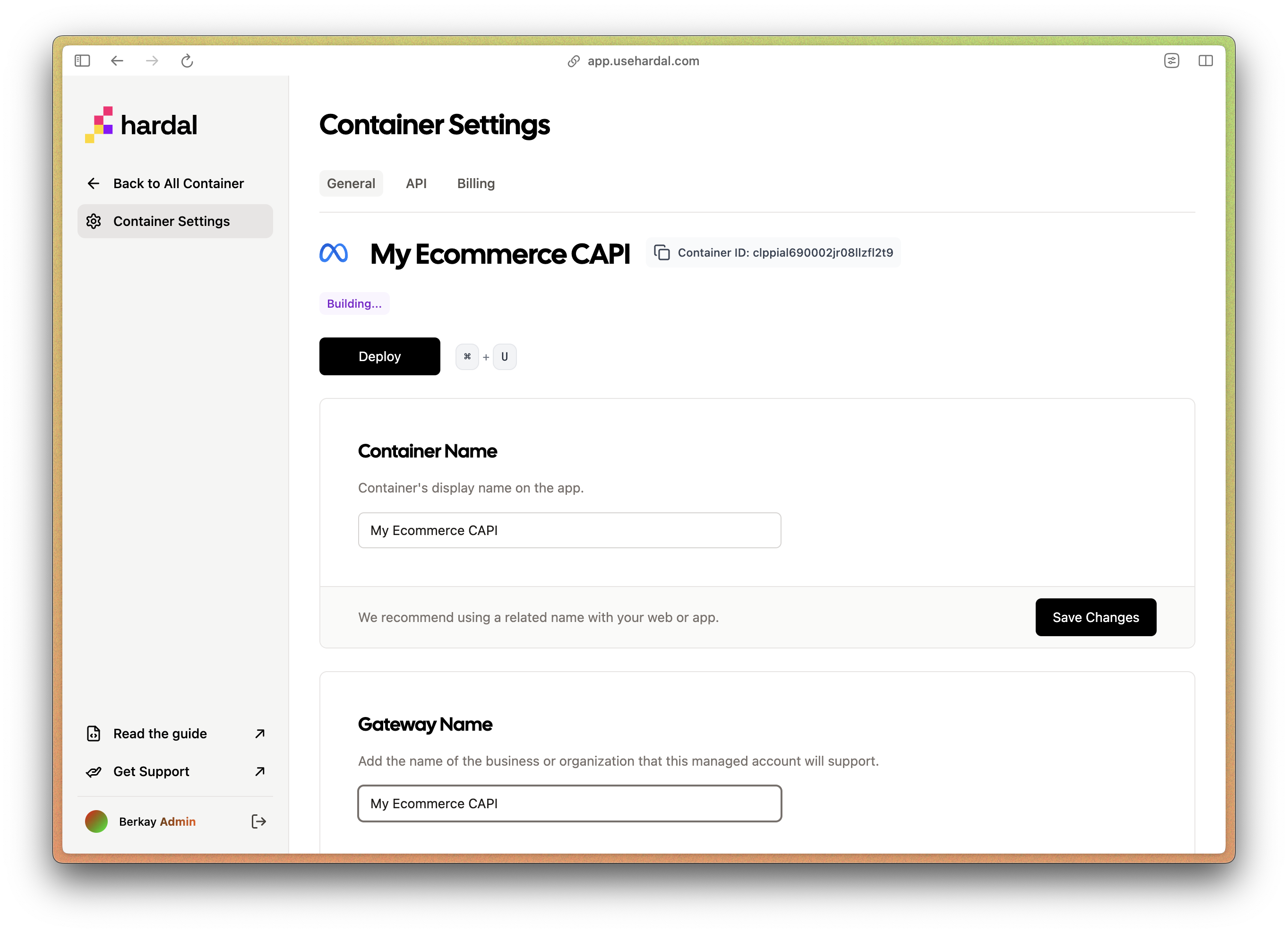
- Gateway Locations: Select which cloud location you want to run your CAPI gateway in.
Deploy your container
- Click to Deploy on top.
In a few seconds, registration will be sent to the e-mail you have logged into your Hardal account.
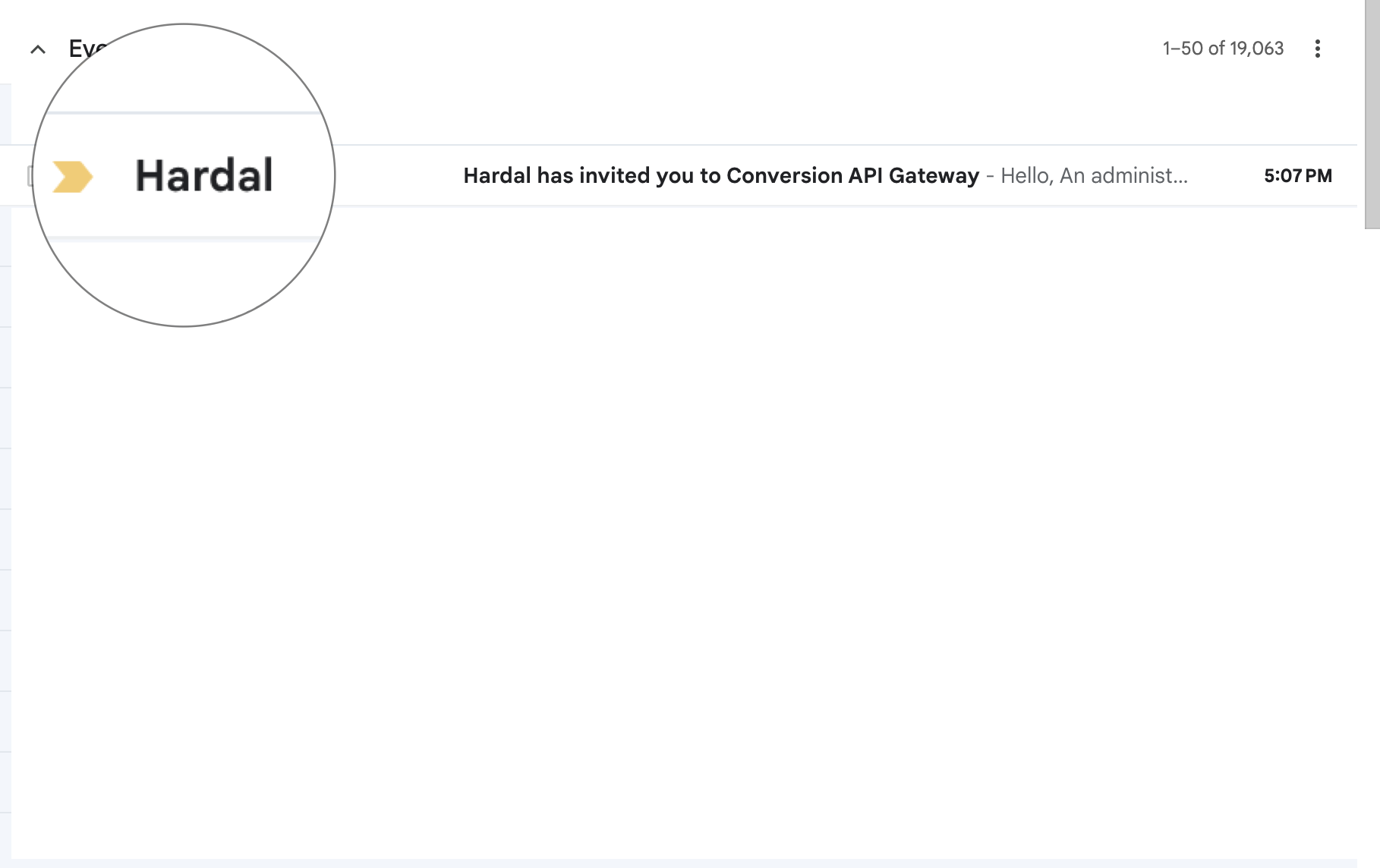
Create an account in the Meta Conversions API Gateway hub by adding an email address and password.
Then you can connect your data source from Meta Pixel to Conversions API gateway.
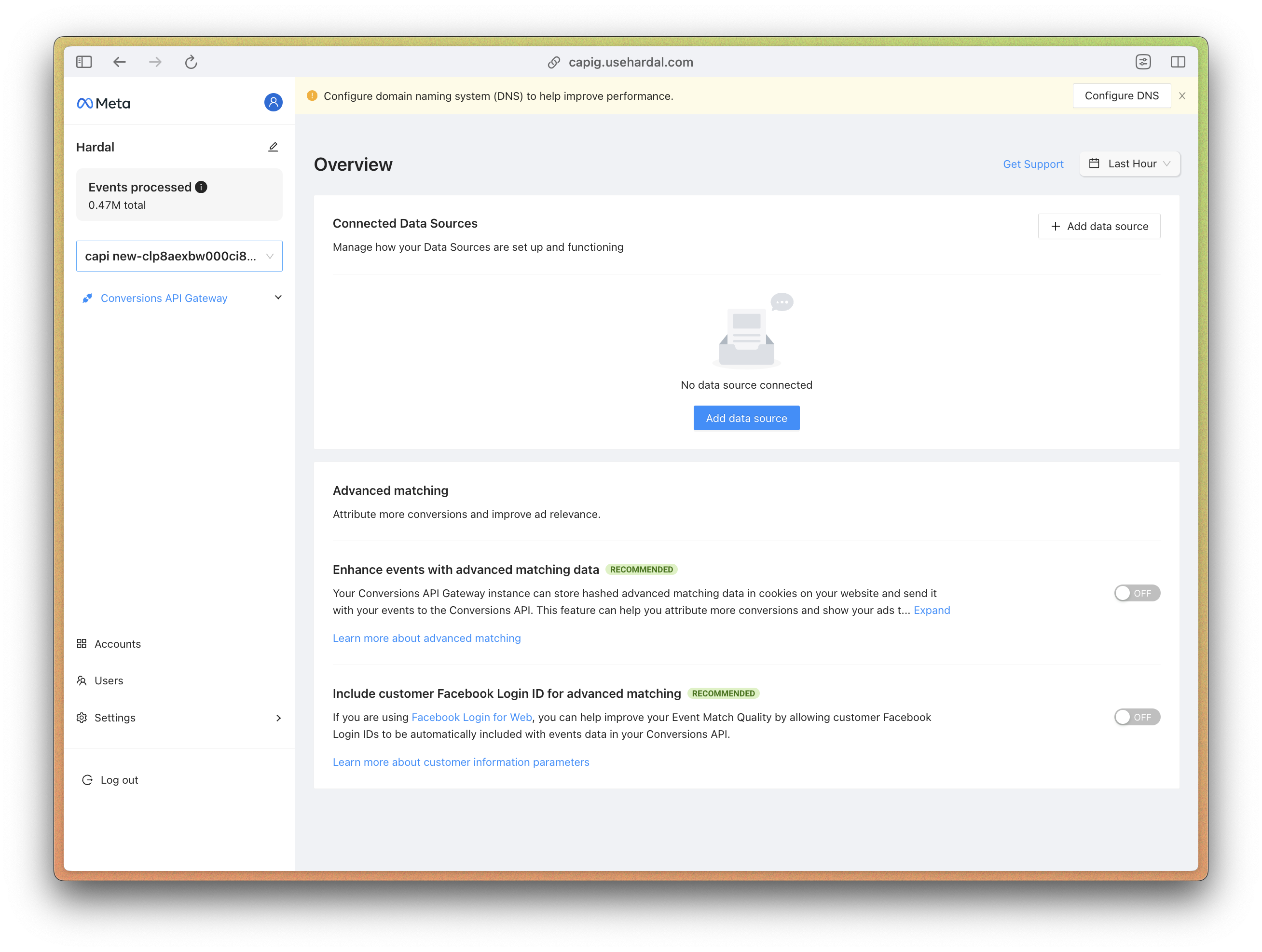
Happy server-side tracking! ✌️